StockX Scraper Product for stockx.com
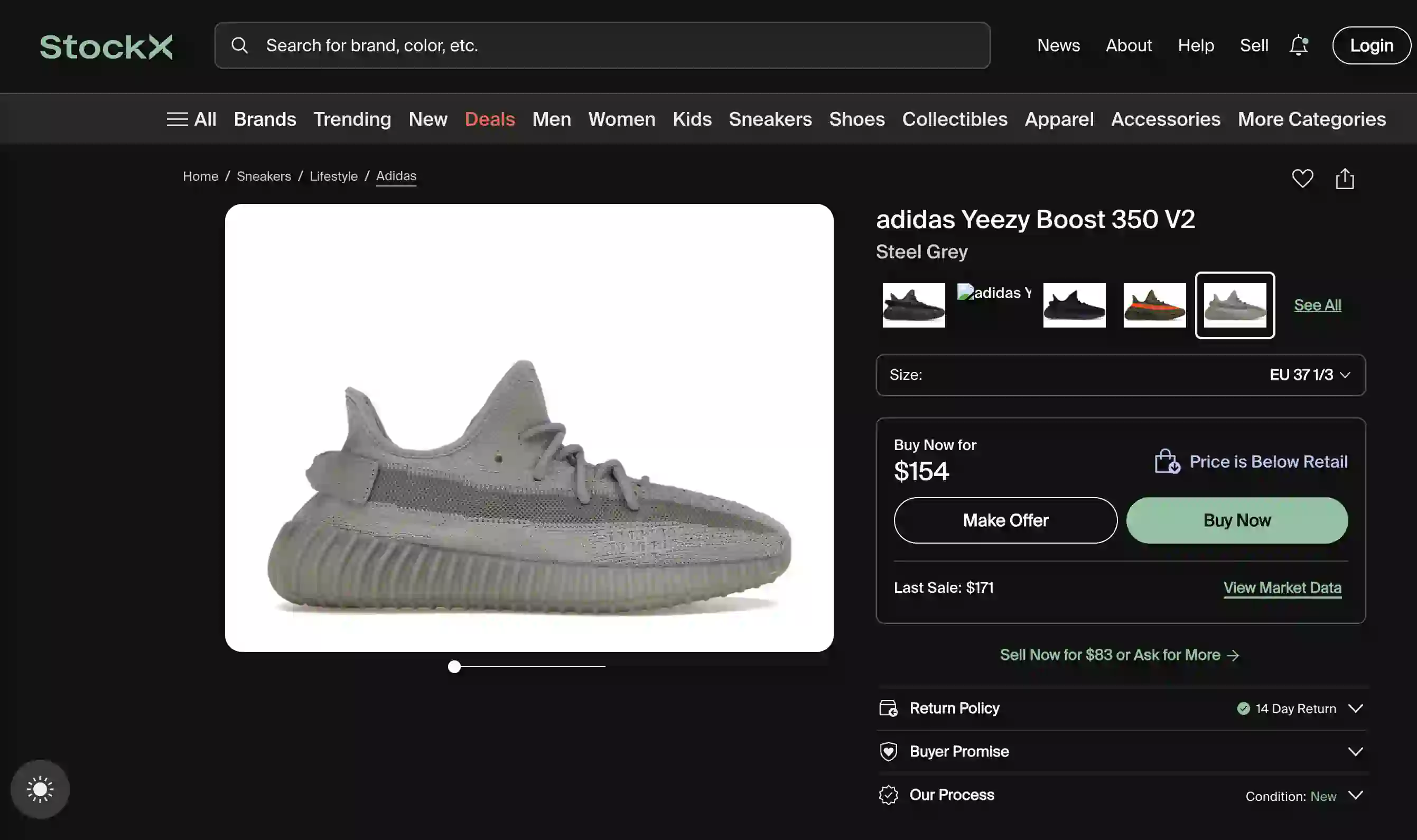
Scrape title, price and product details of this StockX product
Get Started with StockX Scraper Product
Add Scraper
Add StockX Scraper Product to your account
Adjust
Adjust the prompt or columns according to the data you want to scrape from stockx.com
Extract
Click on Extract and scrape stockx.com
Output Example
Want more data from stockx.com and skip all the work? and get a quote within 24 hours.
| # | title | color | price | retail price | release date | style |
|---|---|---|---|---|---|---|
| 1 | adidas Yeezy Boost 350 V2 Steel Grey | Steel Grey/Steel Grey/Steel Grey | 154 | $230 | 02/29/2024 | IF3219 |
Integrate StockX Scraper Product with your workflow



How to run it at scale?
Generate reusable code for StockX Scraper Product
- 1Open the Code tab and click Generate Code
- 2Choose URL (scraper is generated for a specific page layout and cannot be used on other layouts)
- 3Wait for the code to be generated
- 4Return to Extractor and set Scraping Mode to Code Mode
- 5Spend 5 times less by using code to scrape stockx.com
Learn More
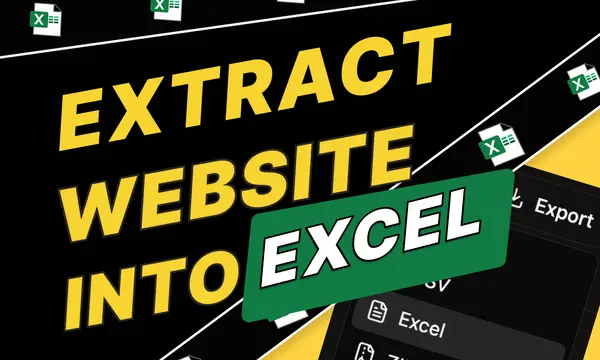
How to Extract Data from a Website to Excel (No Code)
How to extract data from any website to Excel in 2026 — no code. Paste a URL, describe what you want, download Excel in under 5 minutes.
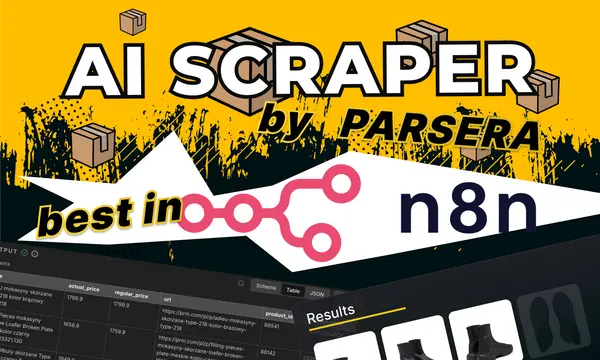
AI Scraper by Parsera n8n Node: URL Extractor vs. Agent vs. Scraping API (2026)
3 scraping actions in one n8n node — URL Extractor, Scraping Agent, and Scraping API. Complete guide to best n8n scraping node with cost tables and use cases.
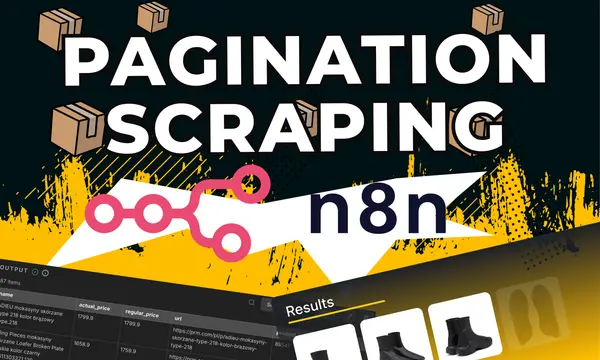
n8n Pagination Scraping: How to Extract Full E-commerce Catalogs (No-Code)
Scrape full e-commerce catalogs in n8n — no URL lists, no loop nodes. Parsera AI Scraper Agent handles all pagination types from a single starting URL. No code required.
How to Scrape Prices from a E-commerce Website Tutorial
Step-by-Step Guide of how to scrape SKU prices from an e-commerce catalog using Parsera Agent