How to Scrape Pictures from a Website
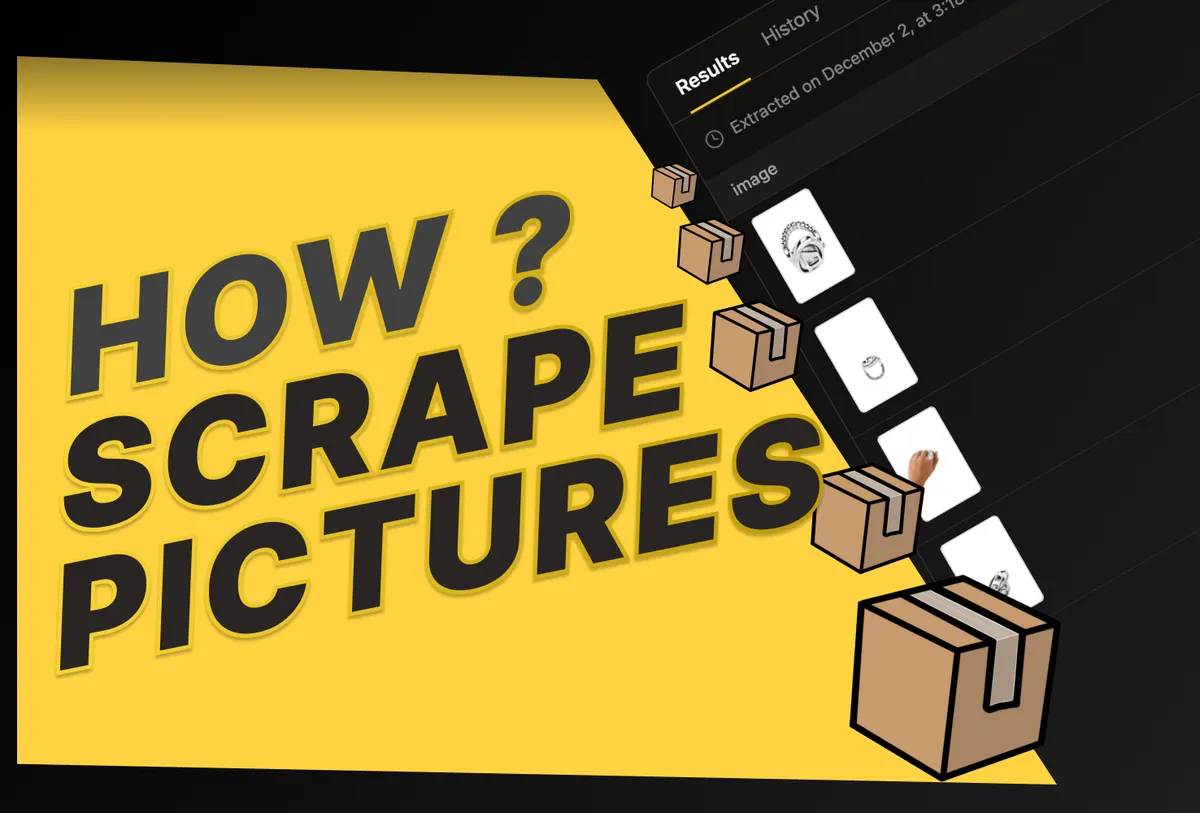
- Today I’m going to show you how to scrape pictures from a website, and not just a pictures but other information as well.
- To scrape pictues from website with Parsera, all you need to do is describe what you want in the prompt. I could end the explanation here, but let me walk you through it so everything is crystal clear.
🔎 Case #1: How to Scrape Pictures From a Website
As mentioned, the only thing you need to scrape pictures is a clear prompt
🖊️ Step by Step Guide of How to Scrape Pictures From a Website
- Write something like
"scrape pictures”, but in that case, the tool may return every image it finds on the webpage. - To scrape pictures from website you actually want, use more specific prompt. For example:
- “Scrape the product picture from the page”
- “Scrape the pictures only of the product from the e-commerce page”
- Add more specific: “Scrape the picture of the watches on this prodcut page”. The more specific you are (e.g., watches, sneakers, a particular item), the better the results.
- Click on
Extractand enjoy the results
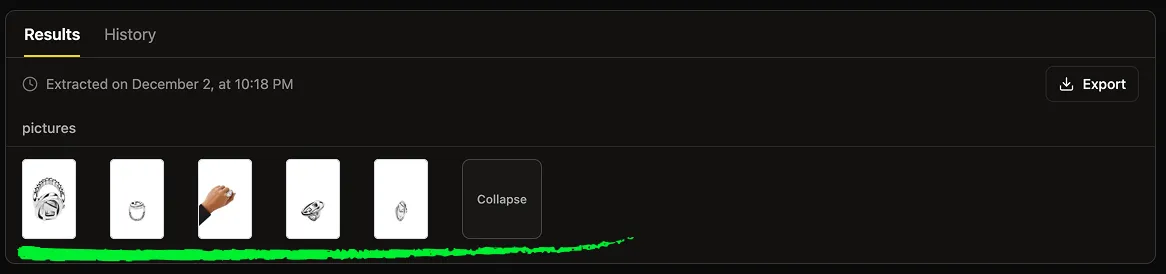
🌄 Case #2: How to Scrape Pictures from a Website alongside Other Data
Usually, when scraping pictures, you also want additional information: product name, price, description, etc.
🖊️ Step by Step Guide of How to Scrape Pictures From a Website alongside Other Data
-
List everything you want in the prompt. For example:
- Scrape the product pictures, title, price, and description from this page
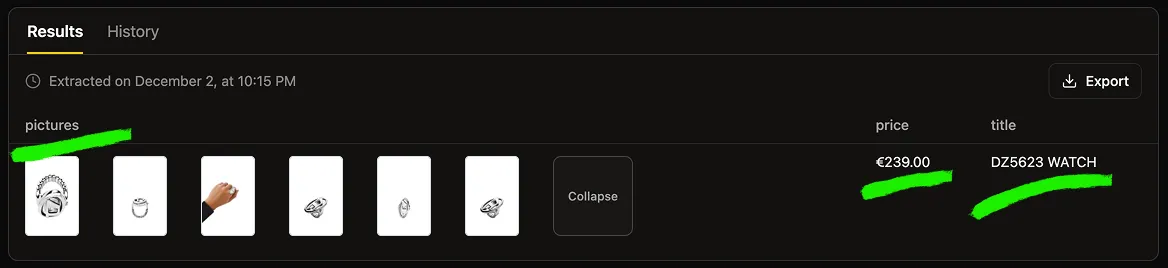
-
You can also create additional columns for each field you want to extract
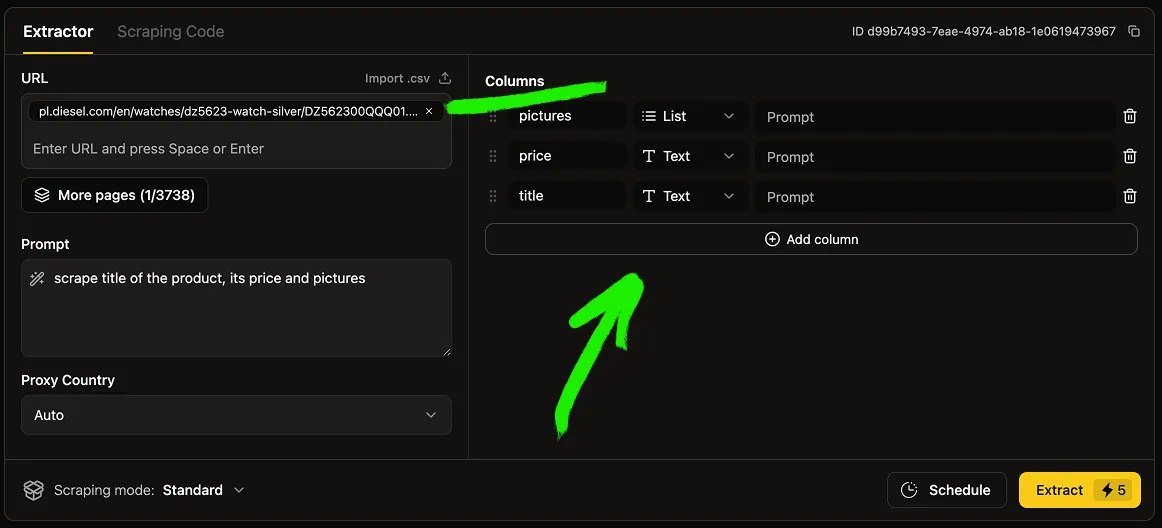
-
Click on Extract and Emjoy the Results
-
Use Colums prompts to add more accuracy to your scrpaing outputs as it shown here
PS: Scrape pictures from Multiple Webpages
❣️ If you want to know how to scrape pictures from the mupliple pages ➡️ check this out "How to Scrape Multiple URLs"
🫶 FAQ
-
How do I scrape pictures from a website? Answer: paste the URL, then use a prompt like “scrape pictures of the product on this page” and run the scraper.
-
Can I scrape pictures from multiple websites at once? Answer: You can scrape up to thouthands URLs in a single request.
-
How to scrape pictures from website with product data? Answer: Meintion data you want to scrape (e.g., title, price, description) directly in your prompt or columns structure.
-
Can I scrape pictures from all pages of a website automatically? Answer: Yes, use the Page Catalog feature to load the entire website’s page tree and select pages you want.
-
Do I need to have coding skills to scrape pictures from a website? Answer: No. Parsera is fully no-code. You only need a URL and a natural language prompt.
-
Can I schedule the scraping of pictures I want? Answer: Yes, use our “Schedule feature on Parsera” after you made sure that the initial scrape works well for you.
-
Is it possible to generate my own scraper and re-use it on similar pages? Answer: Yes, use our “Scraping Code feature on Parsera” and generate code to scrape pictures and any other info on scale.